

 Precision drum editing
Drum edits in minutes.
Every mic in time. The drummer’s feel intact.
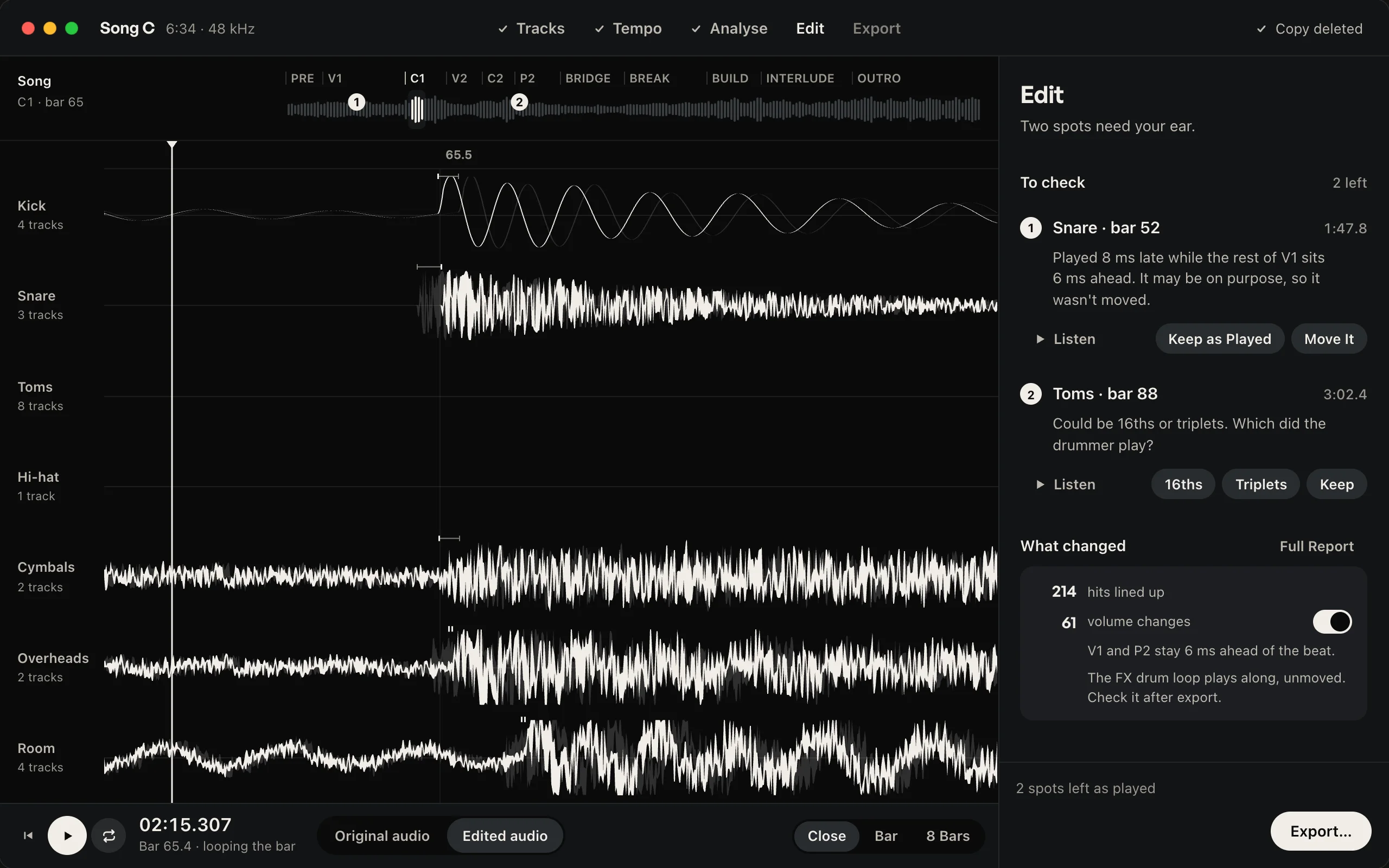

Edited audio: lined up with the tempo.
Hear what changes.
Compare the original take with Krit’s edit. Listen to the timing, the fills and the feel.
Example passage Krit edit
The audio example is coming soon.
Tighten the timing. Keep the pocket.
Editing a full kit means finding hits through bleed, checking fills and keeping the microphones together. Krit takes on the timing and level work so you can get back to the mix.
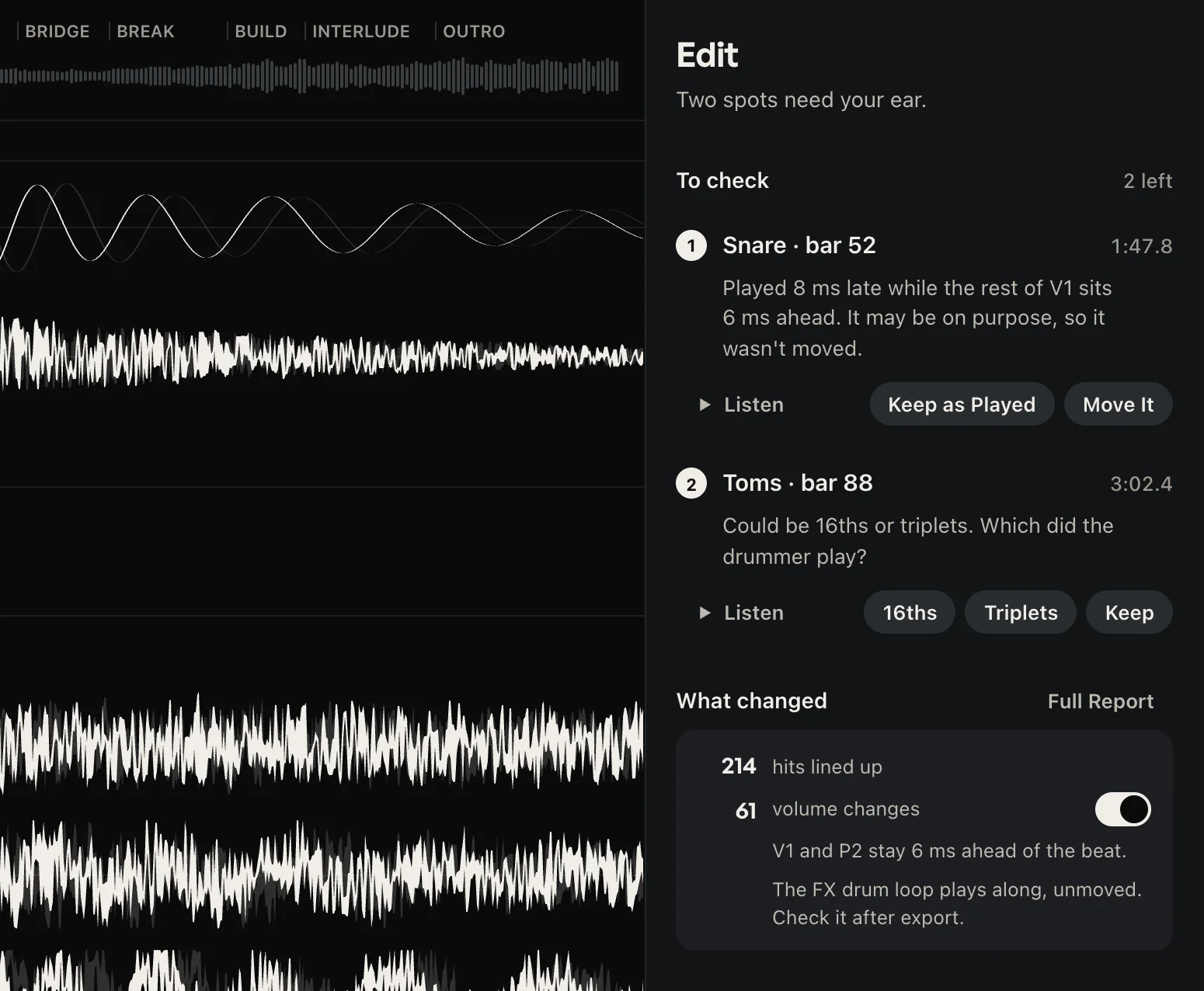
A late hit needs correcting. A deliberate push gives the part its pocket. Krit uses your tempo and the surrounding performance to decide what moves.
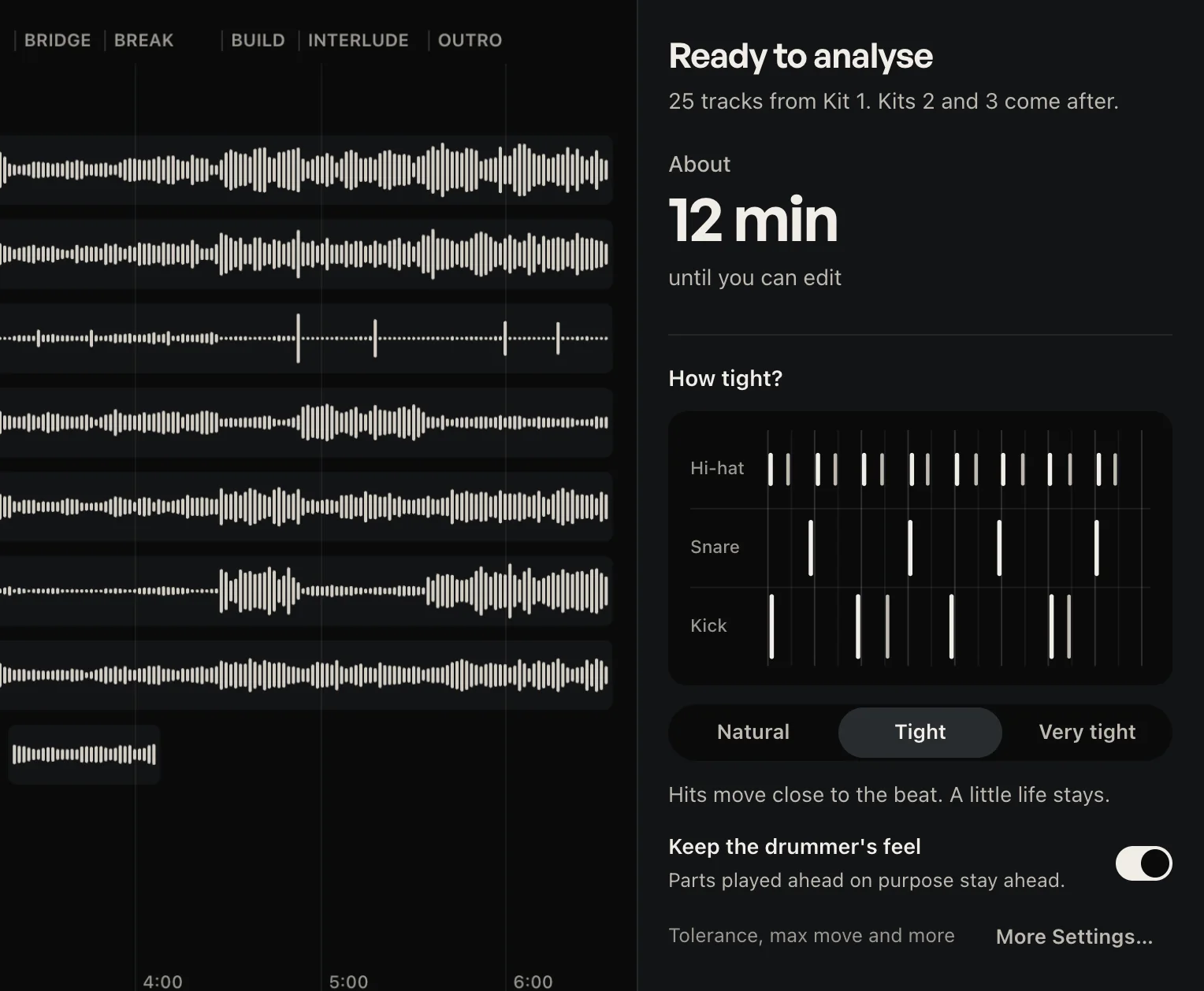
Choose Natural, Tight or Very tight. Keep the drummer’s feel is on by default, and you can compare the edit with the original at any point.
- Timing corrections. Hits that drift from your tempo move onto it.
- Feel preserved. A section the whole kit plays ahead stays ahead.
- Original available. Switch back to the recording at any point.
Neural Hearing finds the hits.
Mic bleed and cymbal wash can make a waveform difficult to read. Neural Hearing is Krit’s trained listening model: it detects drum hits within the multitrack recording, giving the timing engine the events it needs to make the edit.
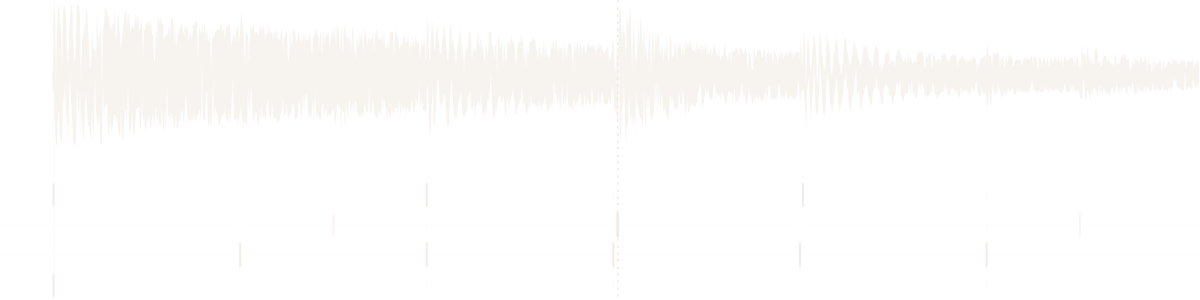
The snare, inside the crash
Neural transient detection
Finds drum attacks within the recorded kit, including passages with bleed and overlapping cymbals.
Tempo-aware editing
Uses your session tempo to edit timing. The tightness setting and feel control shape how far the performance moves towards it.
Flagged hits for review
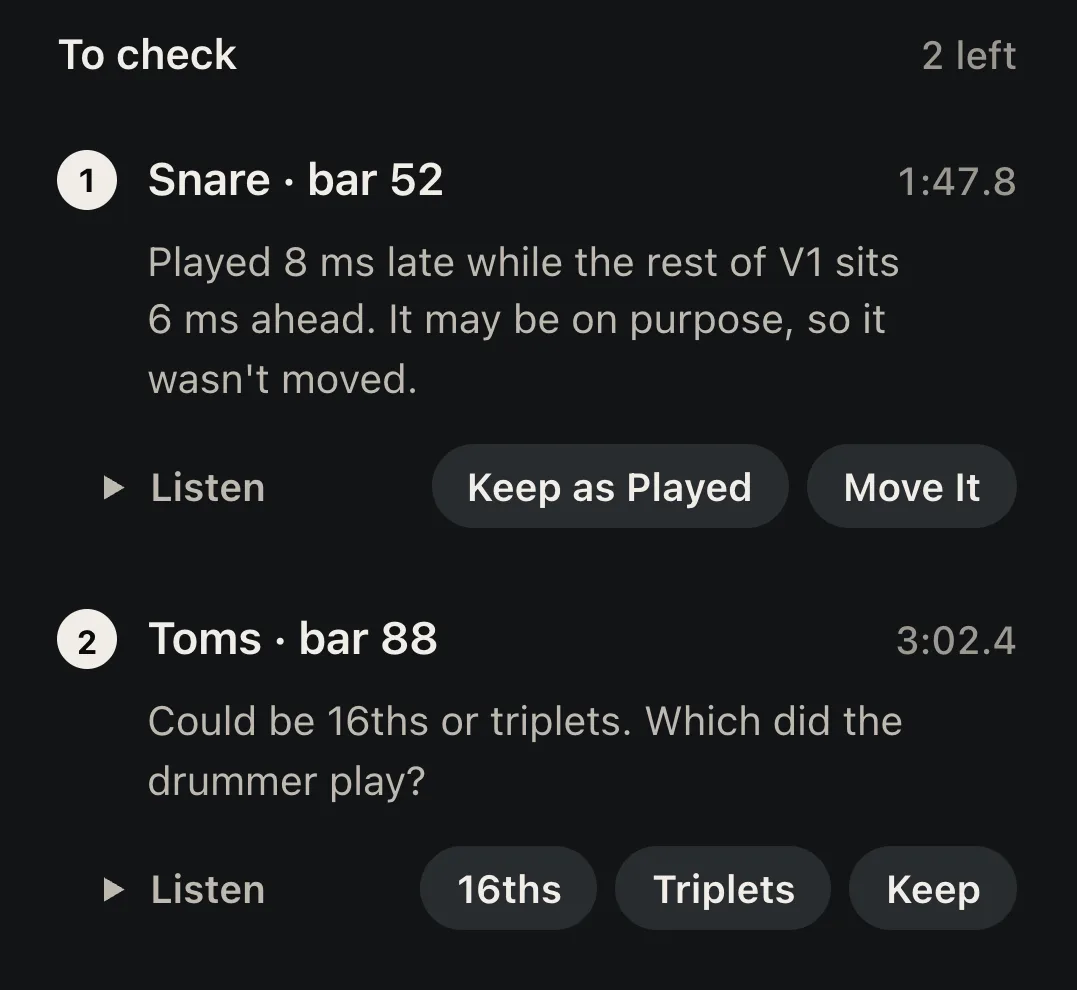
When a stroke has more than one possible reading, Krit prepares alternatives and marks the spot for you to hear.
Every mic moves together.
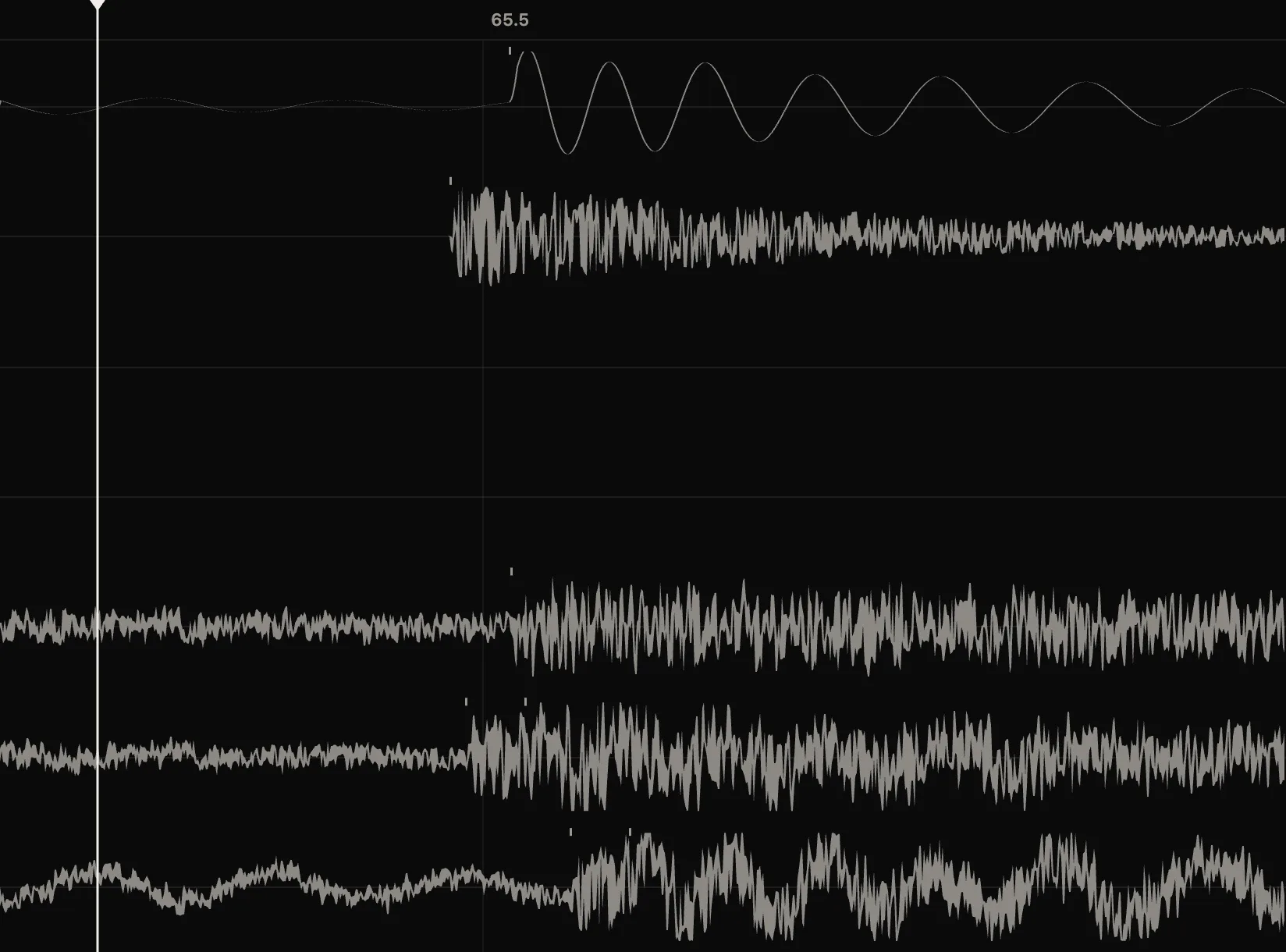
When Krit moves a hit, every mic carrying it moves by the same amount. The relative timing between close mics, overheads and rooms stays as recorded.
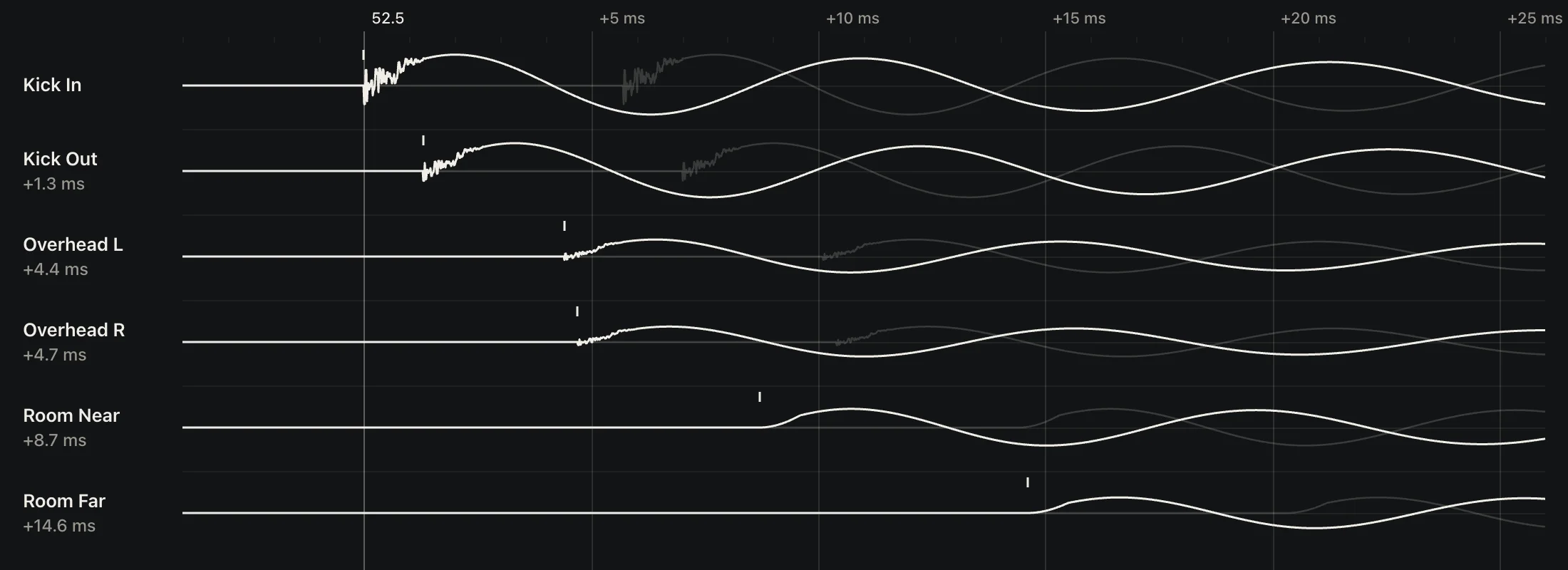
Same movement across the mics. Recorded delays preserved. An illustration drawn from the example session’s kick at bar 52.5.
Phase-coherent multitrack editing
One coordinated edit across the microphones of a hit.
No time-stretching
Krit moves the recorded audio without stretching it.
You have the final say.
Switch between Original audio and Edited audio. Hear the alternatives at a flagged spot, accept Krit’s choice or use Keep as Played. Nudge a hit by hand when you want a different result.
Undo up to 100 steps.
Back into your session.
Bring in every drum channel from the song and provide the tempo. Krit analyses the recording, prepares the edit and exports WAVs for your DAW.
-
1Tracks 2Tempo
Tracks and tempo
Import WAV or AIFF files with your session’s tempo map, a fixed BPM or bar-start tempo changes.
-
3Analyse 4Edit
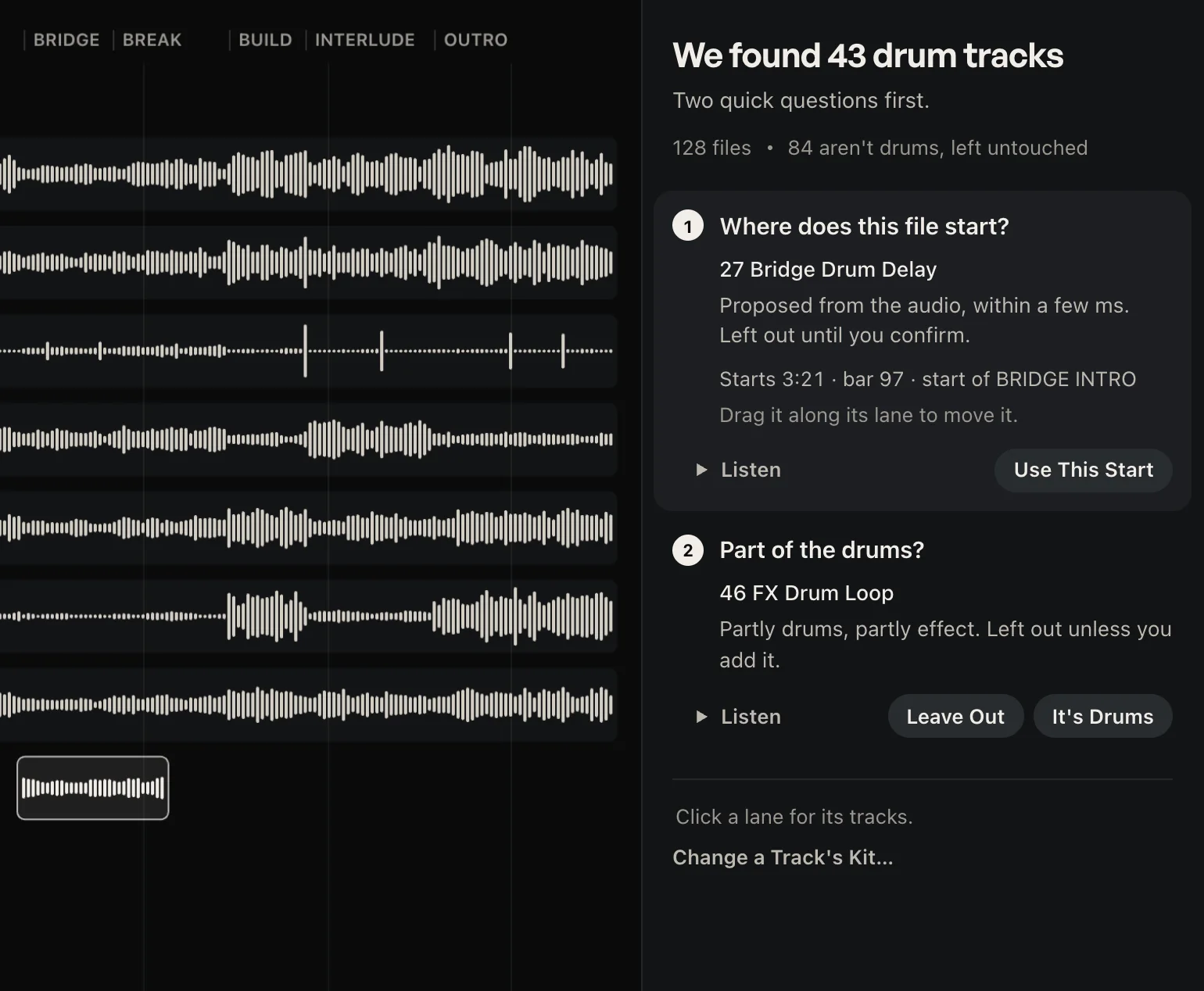
Analyse and review
Choose how tight to go, run the analysis and listen to the result. Review any flagged hits before export.
-
5Export
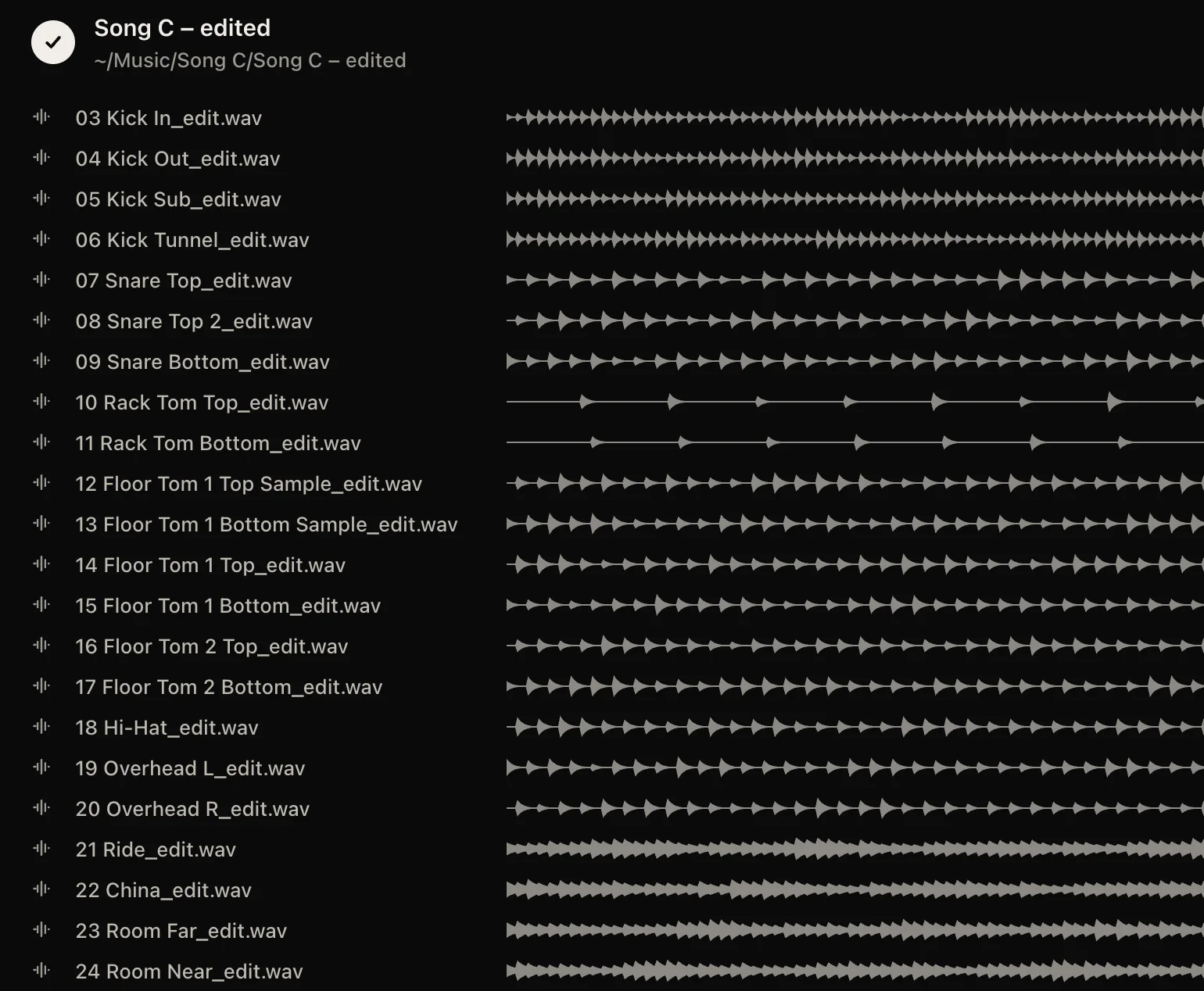
Export
Get edited WAVs with the original sample rate, bit depth, channel count, start and length, plus the tempo markers and edit list.
Works with multitrack drums recorded to a click.
Know where your audio goes.
Krit uses encrypted cloud analysis. Listening and editing run on your computer, including offline after analysis.
- Upload
Upload starts with Analyse.
An encrypted copy of your drum tracks is uploaded when you press Analyse.
- Processing
Session names stay local.
File, track, song and session names are excluded from the upload. Each channel is identified by a number and its drum role.
- Deletion
The processing copy is deleted.
It is deleted after analysis unless you choose to share that song to improve Krit.
- Sharing
Sharing is your choice.
Sharing is off by default. You choose which songs, if any, to share.
Fits your recording workflow.
- Computers
Mac with Apple silicon
Windows 10 and 11
- Audio in
WAV or AIFF, including close mics, overheads, rooms and drum triggers.
- Tempo
A session tempo map, fixed BPM or supported bar-start tempo changes.
Use a tempo map for ramps and meter changes.
- Audio out
Edited WAVs with the original start, length and audio format, plus tempo markers and an edit list.
- Internet
Required for analysis.
Listening and editing work locally afterwards.
Questions
Is Krit a DAW plug-in?
Krit works with exported audio files. Bring in the drum channels from your DAW, then place the edited WAVs back at the start of the session.
Can I change how tight the drums are?
Yes. Choose Natural, Tight or Very tight. Keep the drummer’s feel is on by default.
What if I prefer the original hit?
Use Keep as Played or reject the change. You can compare the original and edited audio and nudge individual hits yourself.
Does it work with songs recorded without a click?
Krit needs a known tempo and drums recorded to a click. It does not guess a tempo for a freely played performance.
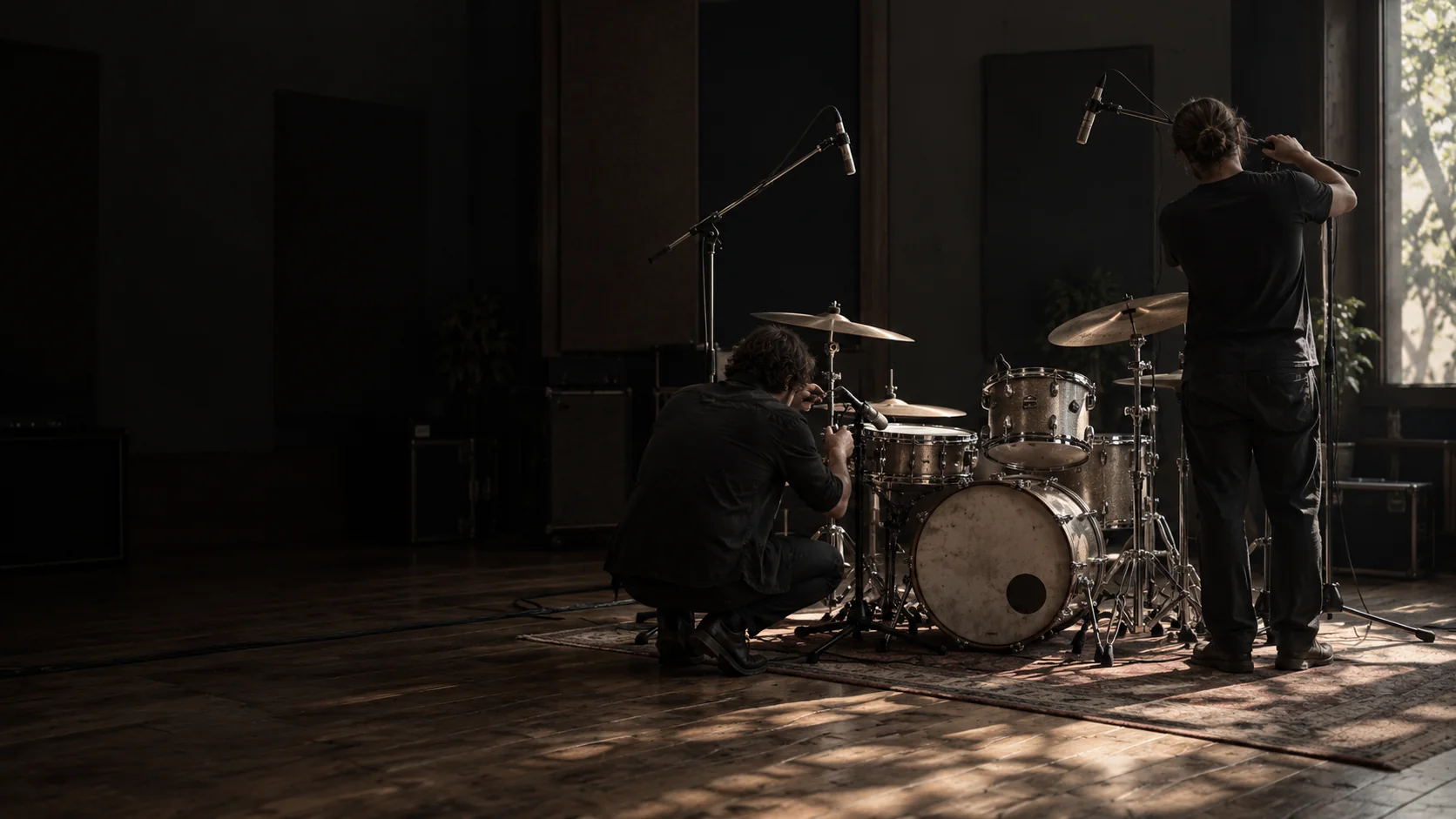
Hear Krit on your drums.
Try the edit on a session you know. Compare it with the original and decide how tight you want to go.
Downloads open soon.